
School QR Workspace

Start with scan-ready school workflows. Connect deeper operations only when needed.

Create a lightweight QR workspace for campus, gates, buses, staff, assets, visitors and school workflows. School Operations Suite and Campus Mobility remain separate Connected Operations Apps.

School campus environment
QAAR School QR Workspace
Education

School QR Workspace

Start with QR records for campus, gates, buses, staff, assets, visitors, and school workflows.

School QR capabilities

Lightweight first. Operational depth when required.

01

Student QR Identity

Protected student identity for campus scans, bus and gate movement, lost-ID support and roster mapping.

02

Library & Bicycle Records

Add focused school modules such as library book workflows and school bicycle inventory when required.

03

Gate, Visitor & Asset Workflows

Use QR points for gates, visitors, buildings, campus assets, inspection and maintenance workflows.

04

Capability Center

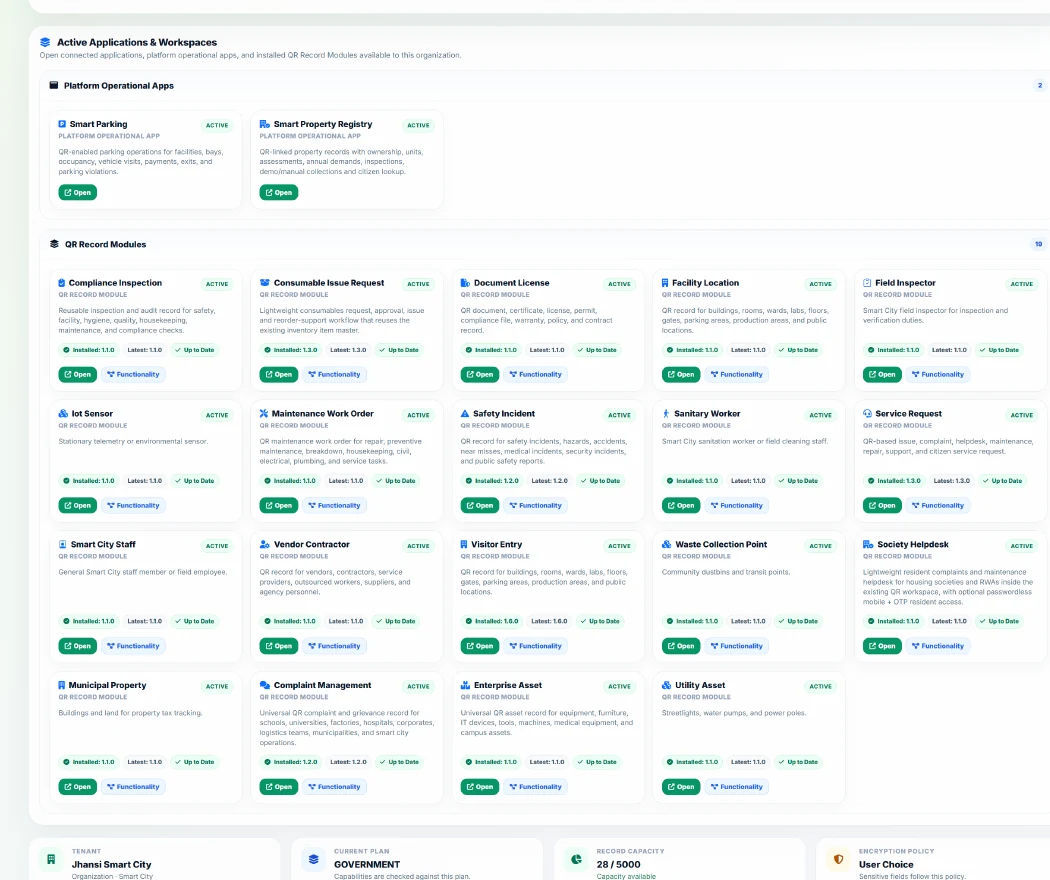
School administrators see only the modules and capabilities published for the organization type and plan.

05

School Operations Suite

Connect the dedicated School Operations application separately when full academic and administrative depth is required.

06

Campus Mobility

Connect ride, dispatch, route, vehicle and GPS operations separately when campus movement requires it.

Connected Operations Apps

School Operations and Campus Mobility are connected separately.

The QR workspace is the lightweight starting layer. Dedicated applications require organization setup, approval, connection and user mapping rather than being activated automatically by signup.

School Operations Suite — academics, students, fees, attendance, library, timetable, exams and administration.
Campus Mobility — rides, dispatch, vehicles, routes, QR points, GPS and visitor-parking operations.
Ready when you are

Start with the school workflows you need today.

Add eligible modules through the Capability Center and connect dedicated school operations only when your deployment needs them.