Secure multilingual QR infrastructure

The physical world, connected to action.

QAAR turns a scan into the right next step — protected identity, resident support, healthcare workflows, smart-city operations, asset workflows and connected mobility.

Application-level encryption Organization-aware Traceable workflows
Live QAAR experience QAAR / DEMO
Identity · Scan → understand → act
One lightweight QR platform

Start with a QR workflow.
Grow only when the operation needs more.

QAAR keeps the core workspace light. Platform-published modules are made available by organization type, pricing plan and capability policy. Organization admins choose what they need from the Capability Center; deeper operational applications connect separately when required.

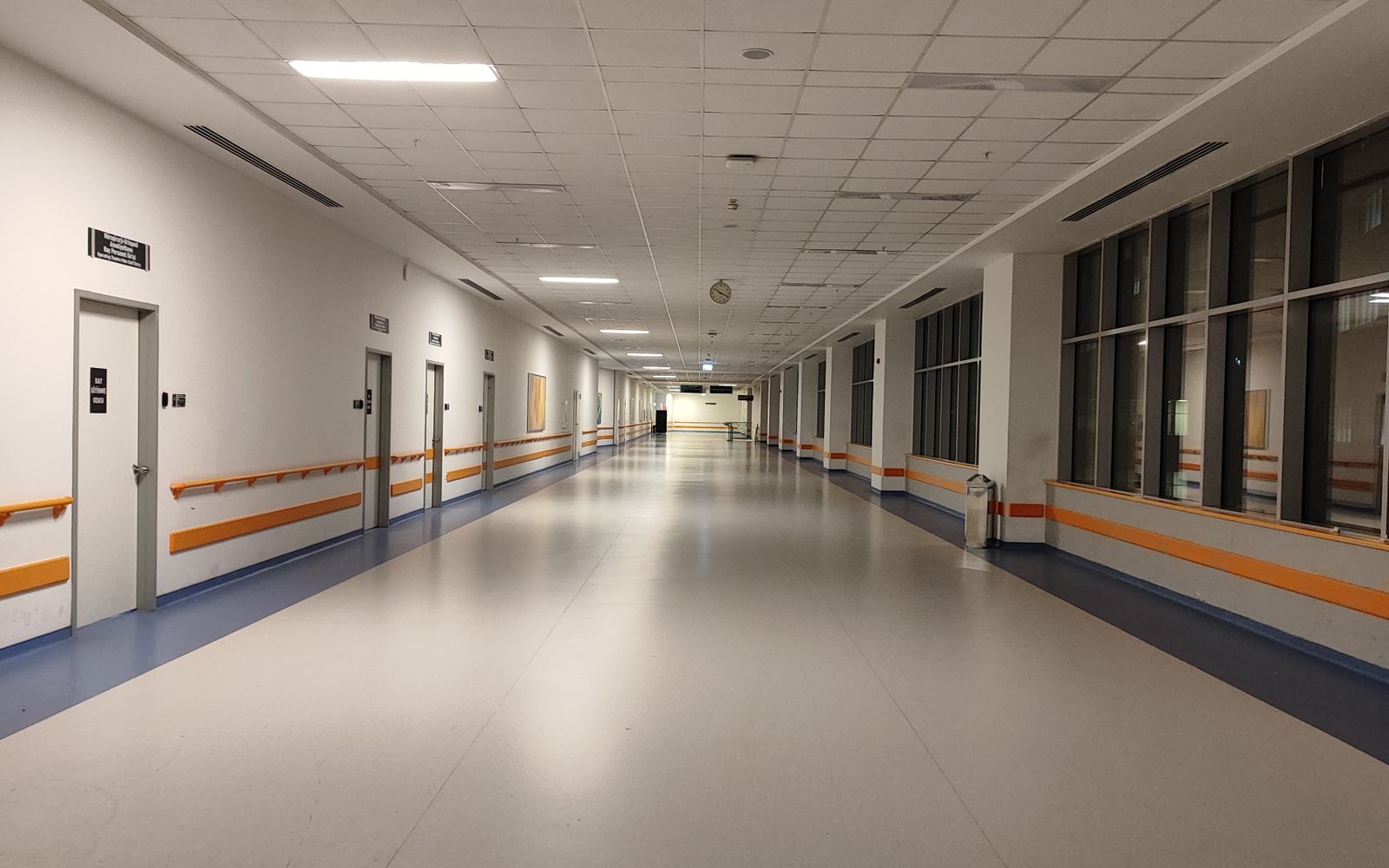
Hospital / Clinic QR Workspace environment
Healthcare

Hospital / Clinic QR Workspace

Create a hospital QR workspace with secure patient identity, clinical instructions, follow-up, recovery, staff, department, asset, and patient-support workflows.

QR pointLightweight workflowInstall relevant modules
QR

Factory / Industrial QR Workspace environment
Industrial

Factory / Industrial QR Workspace

Start QR records for factory assets, machines, zones, workers, contractors, safety checks, and inspections. Factory Operations Suite can be requested later.

QR pointLightweight workflowInstall relevant modules
QR
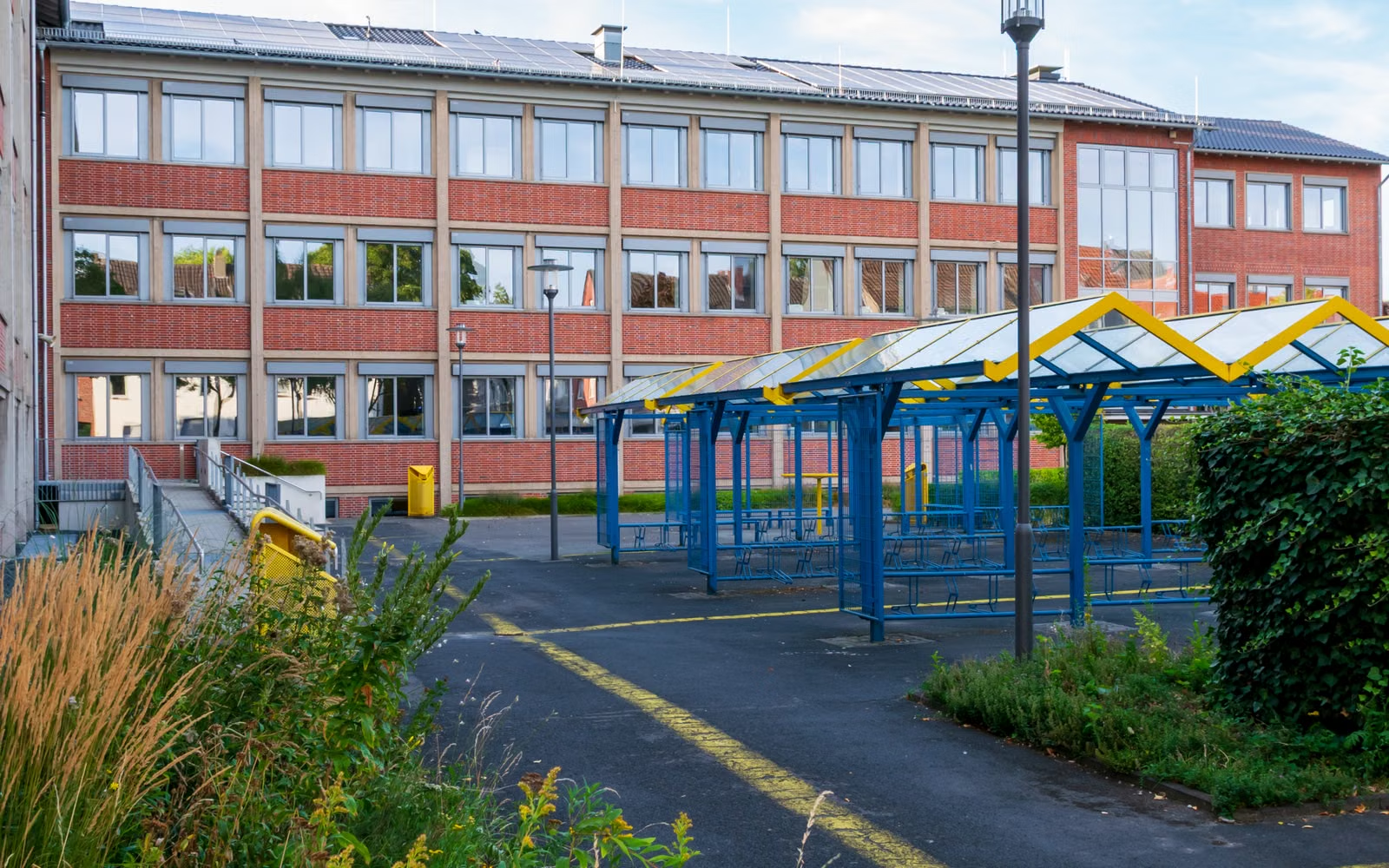
School QR Workspace environment
Education

School QR Workspace

Create a School QR Workspace and first scan-ready QR record. School Operations Suite and Campus Mobility are separate Connected Operations Apps that can be activated after organization setup.

QR pointLightweight workflowInstall relevant modules
QR

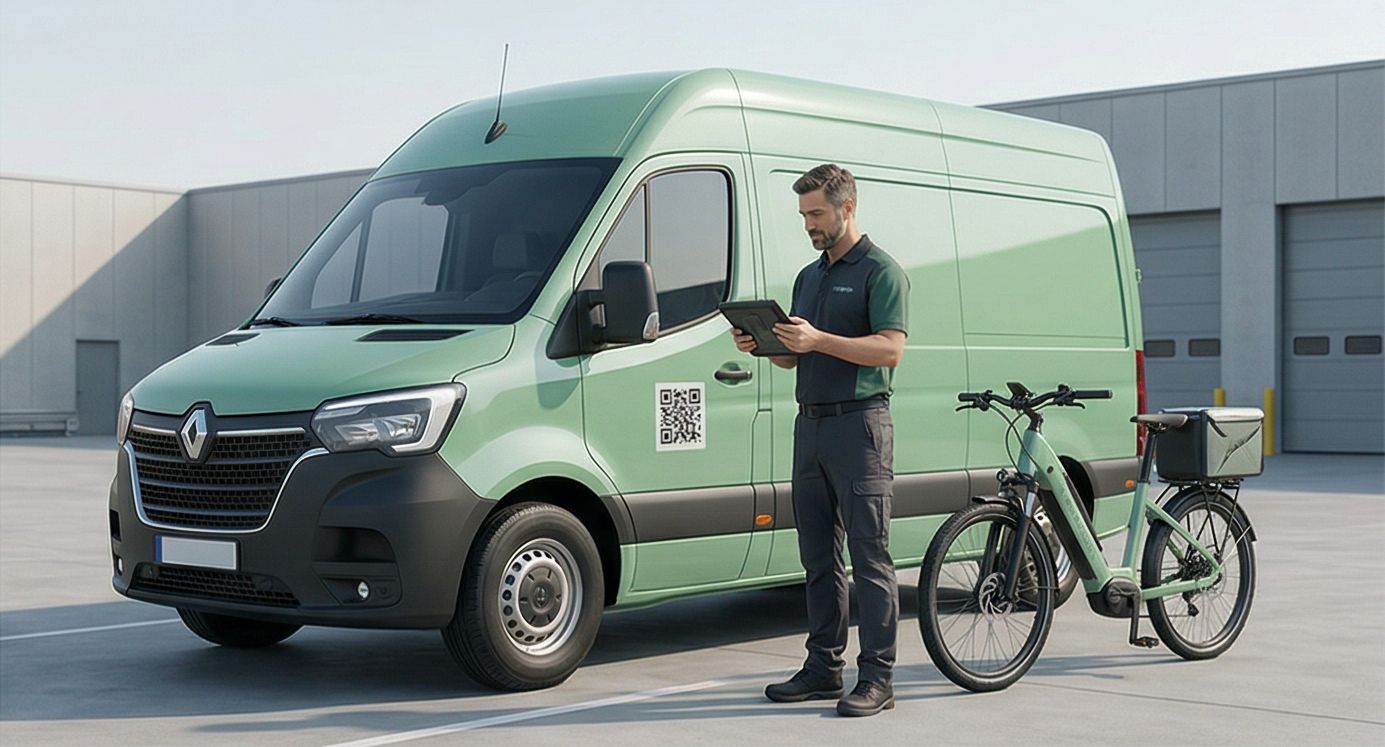
Logistics / Fleet QR Workspace environment
Logistics

Logistics / Fleet QR Workspace

Create QR records for vehicles, warehouse zones, cargo points, route checkpoints, and fleet support.

QR pointLightweight workflowInstall relevant modules
QR
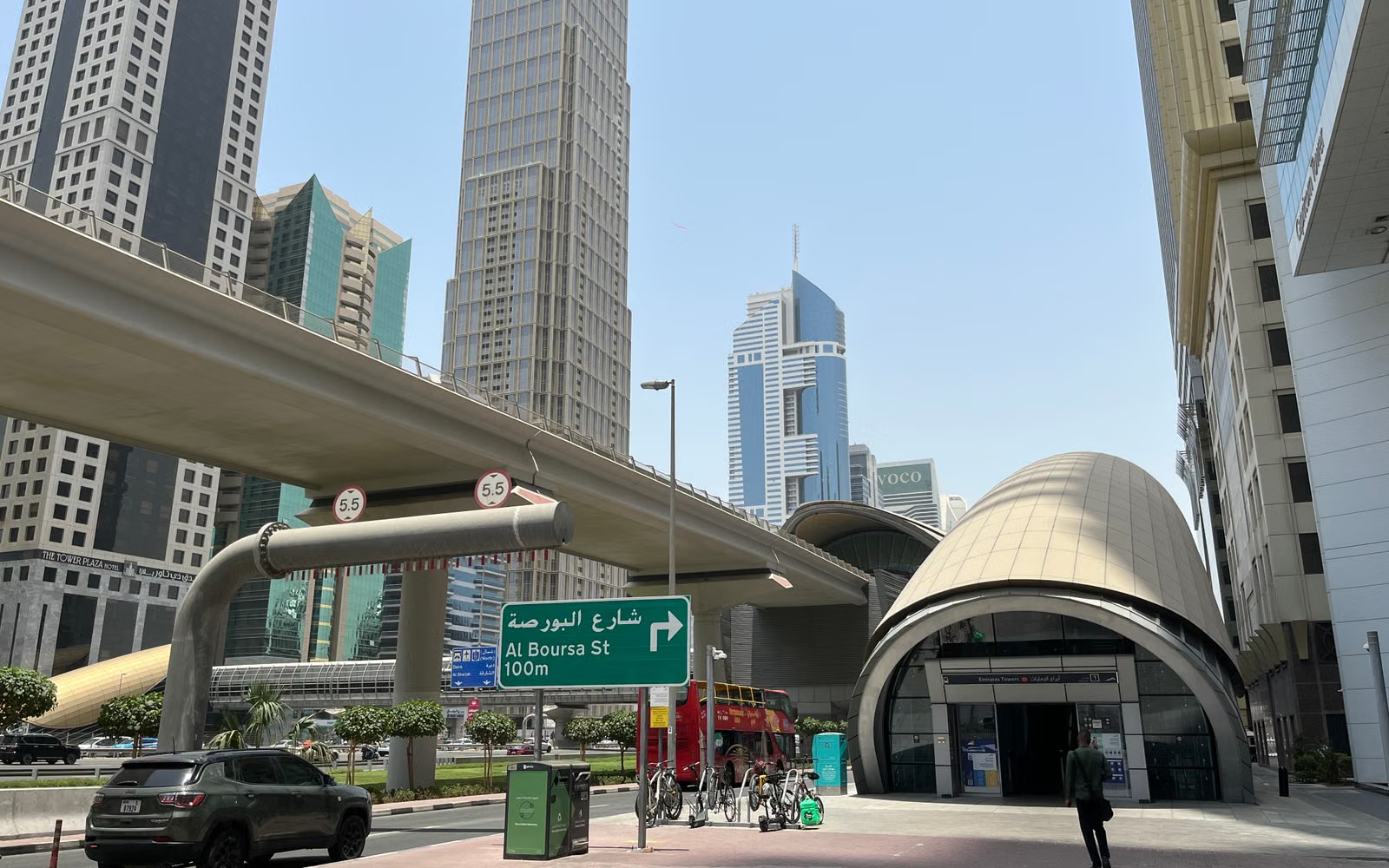
Smart City / Public Infrastructure QR Workspace environment
GovTech

Smart City / Public Infrastructure QR Workspace

Create QR records for public assets, utility points, waste bins, parking terminals, vendors, and field operations.

QR pointLightweight workflowInstall relevant modules
QR
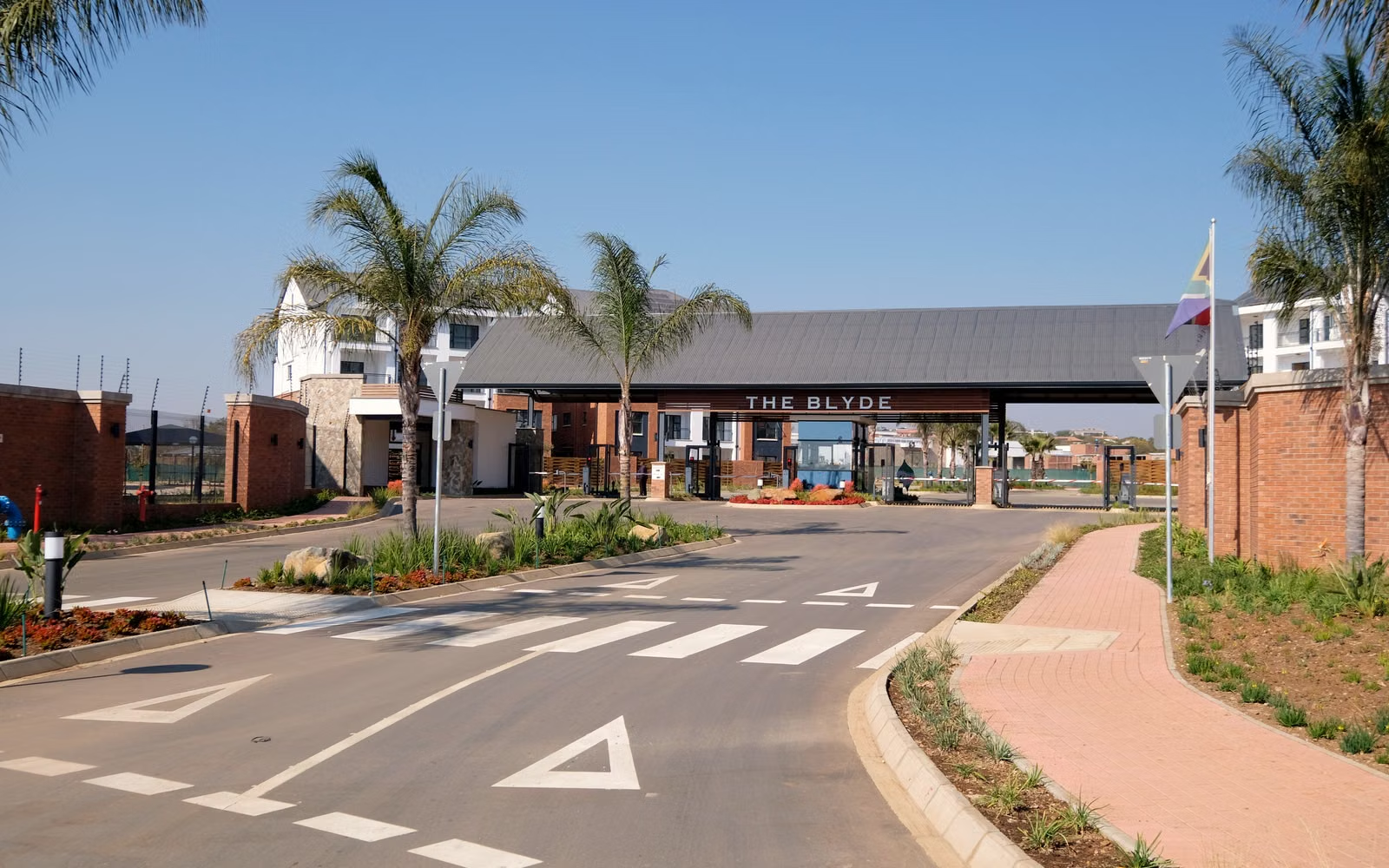
Housing Society / RWA environment
Property & Community

Housing Society / RWA

A lightweight QR workspace for housing societies and RWAs, starting with resident support and expandable with additional modules.

QR pointLightweight workflowInstall relevant modules
QR
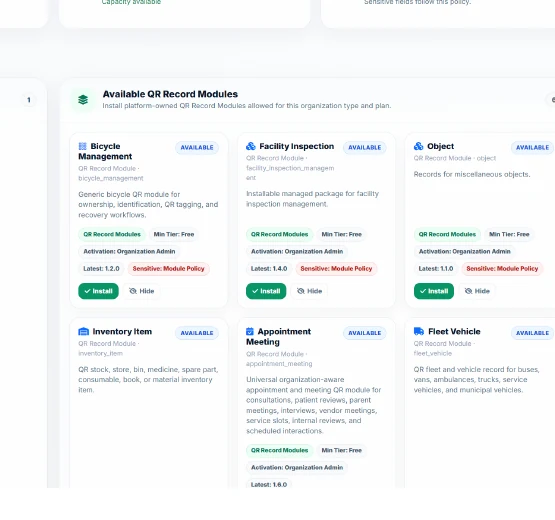
Managed Module Library

Organizations don't build modules. They choose from what the platform has published for them.

The QAAR platform owner builds, versions and publishes Managed Modules. Organization type, plan and capability rules determine what appears in each organization's library.

Smart City Operations Enterprise Asset Managed Module
Enterprise Operations Service Request Managed Module
Enterprise Operations Visitor Entry Managed Module
Enterprise Operations Maintenance Work Order Managed Module
Enterprise Operations Safety Incident Managed Module
Factory Operations Inventory Item Managed Module
Enterprise Operations Document License Managed Module
Healthcare Operations Appointment Meeting Managed Module
Enterprise Operations Compliance Inspection Managed Module
QAAR Capability Center active modules
QAAR Capability Center available module library
Capability Center

See what's active. Find what's available. Know what can be updated.

Organization admins get one place to review active applications and QR modules, inspect functionality, install eligible modules, check dependencies and plan requirements, and see release/update status.

DiscoverInspectInstallUpdate
Connected Operations Apps

Keep QR workflows light. Connect the deeper system only when the operation demands it.

School Operations SuiteConnected separately where applicable
Campus MobilityConnected separately where applicable
Workforce Operations SuiteConnected separately where applicable
Manufacturing / ERPConnected separately where applicable
Service Center Operations (SMCP)Connected separately where applicable
Smart City Operations SuiteConnected separately where applicable
Municipal Operations SuiteConnected separately where applicable
Patient Recovery & Clinical OperationsConnected separately where applicable
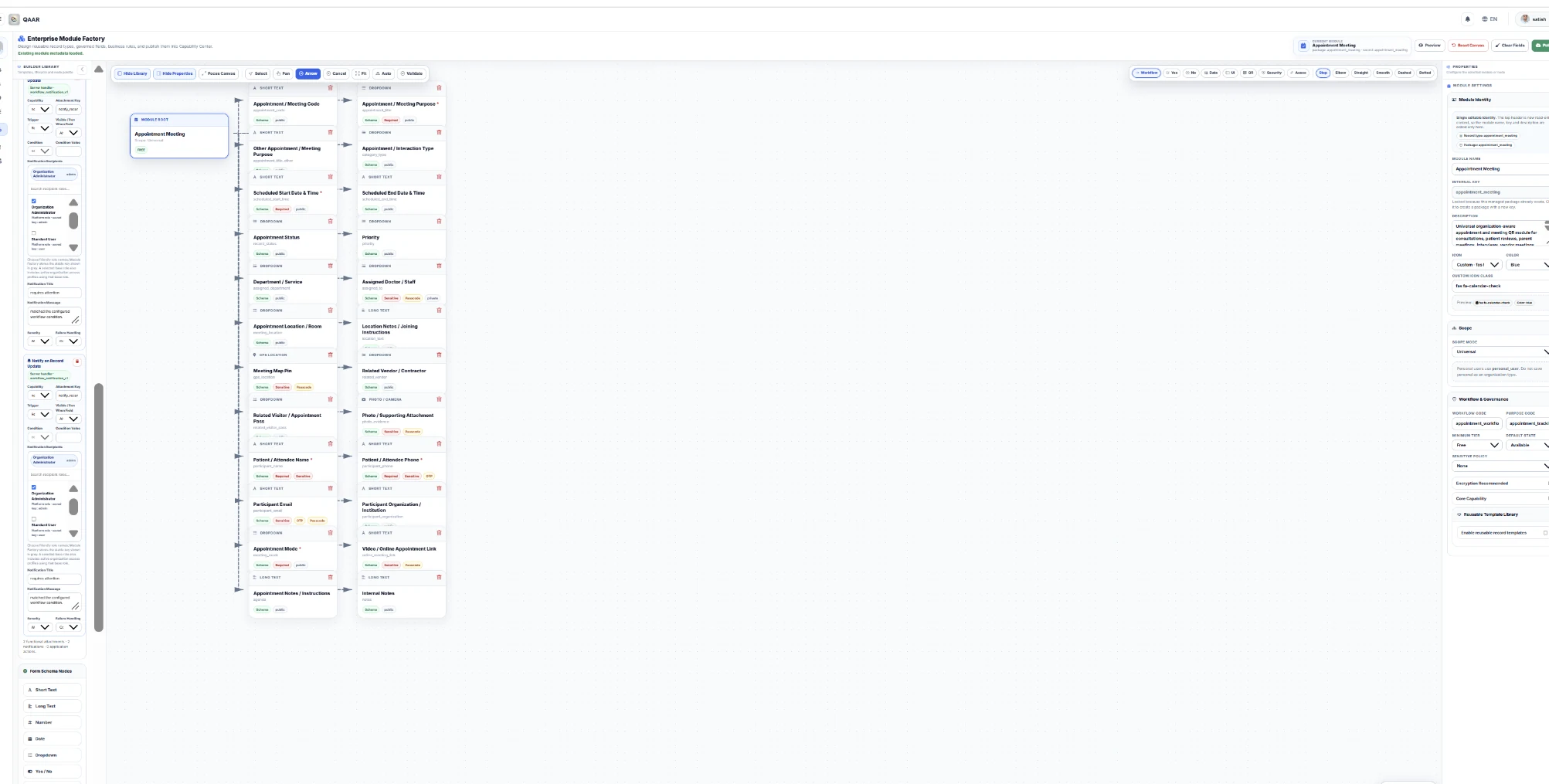
Platform extensibility

New modules are built centrally, governed and released to the right organizations.

The Enterprise Module Factory is a platform-owner environment for designing and governing new lightweight modules. It is not an organization self-builder. Once a module is published and mapped to the right organization types and plans, eligible organizations can discover it through the Capability Center.

QAAR Enterprise Module Factory platform owner interface
1Reusable field library
2Visual module canvas
3Properties & governance
Physical worldPerson · asset · place
→
Scan / accessContext enters QAAR
→
UnderstandRecord · role · workflow
→
ActRight next step
One platform. Three layers.

Start simple.
Expand when needed.

QAAR separates scan-ready records, lightweight managed workflows, and full operational applications so organizations can adopt only the complexity they actually need.

From resident report to resolution.

Residents get a focused mobile experience to report an issue, attach photo or short video evidence, follow progress and receive society information without entering the administration workspace.

Explore Society Helpdesk
Resident issue · Tower B · Flat 8B
01
Lift stopped on Floor 4Resident report received
New
02
Photo evidence attachedPrivate record attachment
Stored
03
Assigned to maintenanceService desk action
In progress
04
Resident sees the updateStatus remains visible
Tracked

A QR layer across the patient journey.

Connect patient identity, appointments, clinician-confirmed instructions, lab preparation, discharge, home care and recovery review through role-scoped clinical workspaces.

Explore healthcare
Patient journey · role-aware
01
Patient identityQR-linked context
Protected
02
Care instructionsClinician-confirmed content
Issued
03
Recovery activityTaken · missed · review
Tracked
04
Doctor reviewScoped clinical workspace
Authorized

When the QR is only the beginning.

Use QR stops, gates, buildings and vehicles as trusted context, then hand off into ride requests, dispatch, driver actions and GPS-connected trip operations.

Explore Campus Mobility
Campus ride · connected operations
01
QR stop contextPickup point recognized
Ready
02
Ride requestPolicy & destination
Requested
03
Dispatch & driverAssignment lifecycle
Assigned
04
Live trip contextGPS-provider integration
Moving
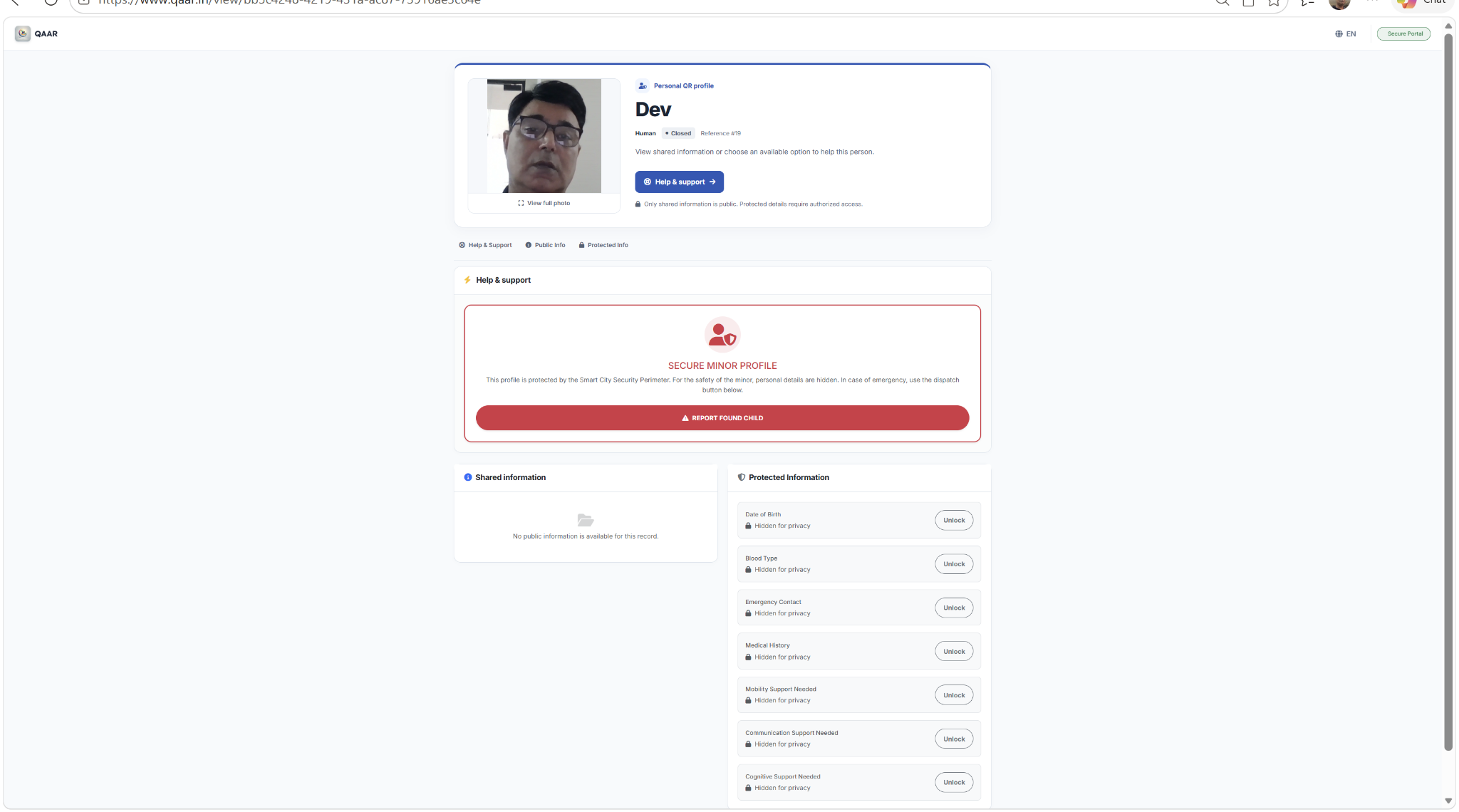
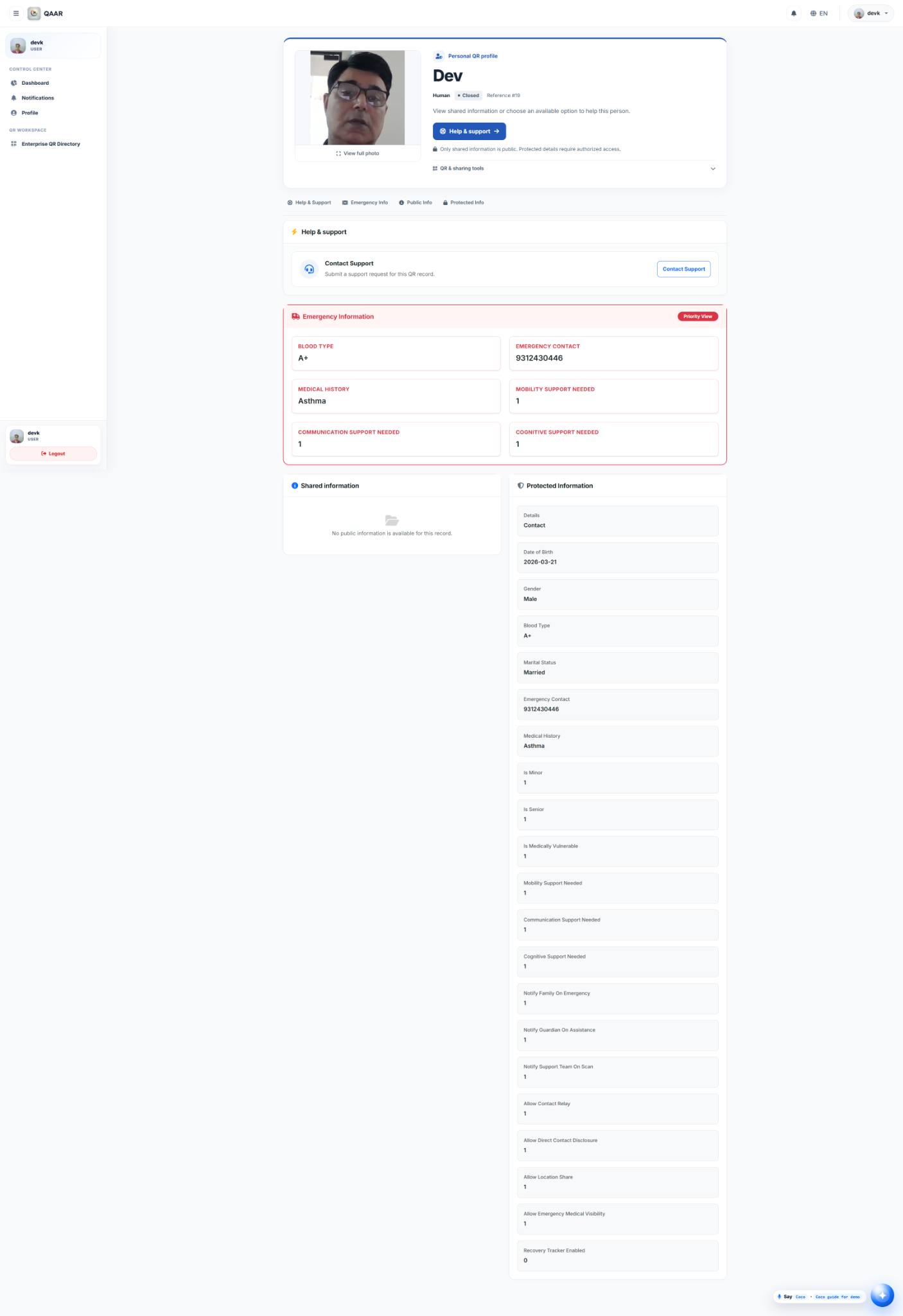
Built product. Real access states.

See what a visitor sees — and what authorized access reveals.

These are real QAAR application views. Public-safe information stays visible while protected fields remain locked until the configured access path is satisfied.

Personal QR

Protected visitor → authorized owner

QAAR personal QR protected visitor view QAAR personal QR authorized owner view
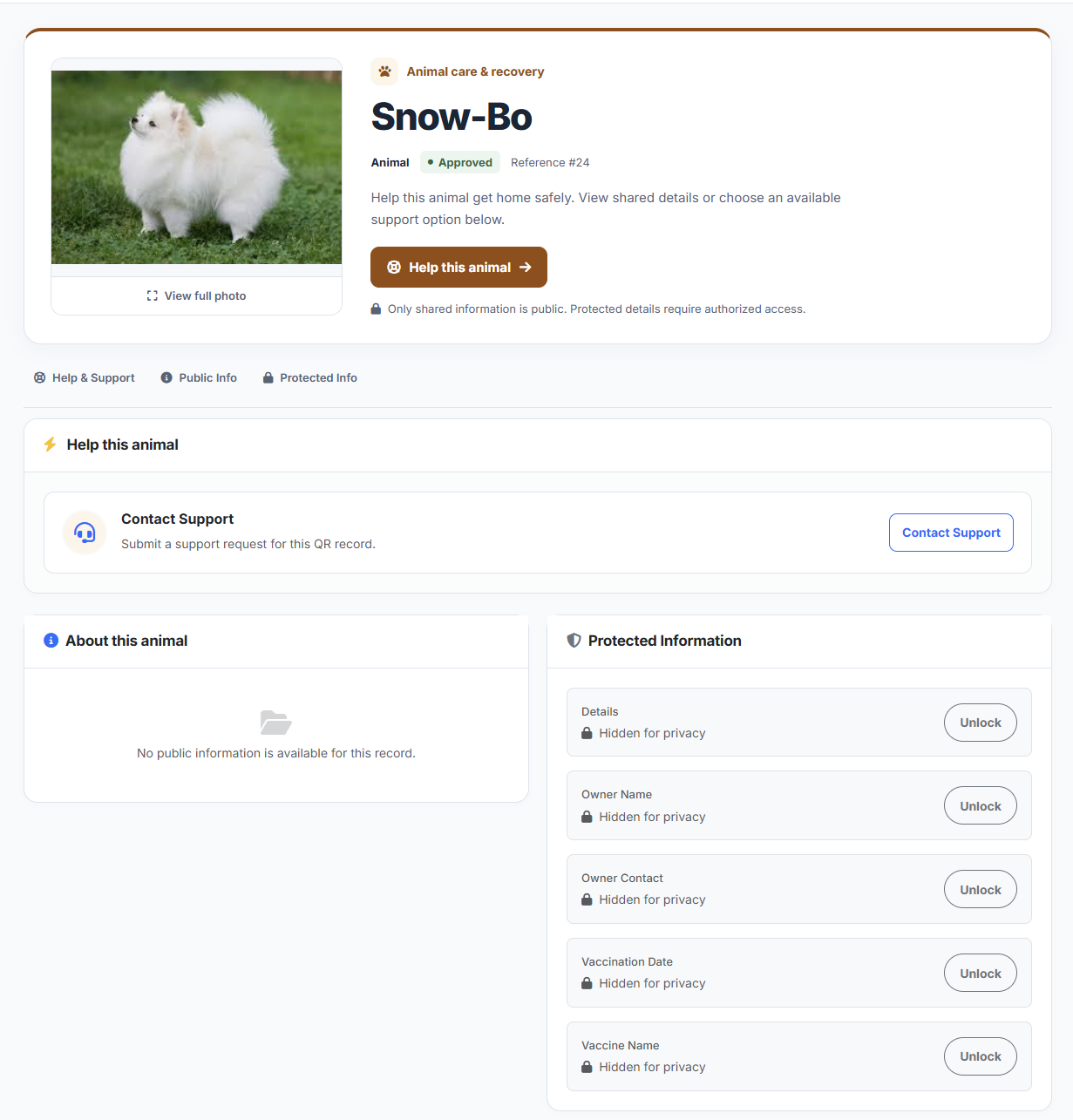
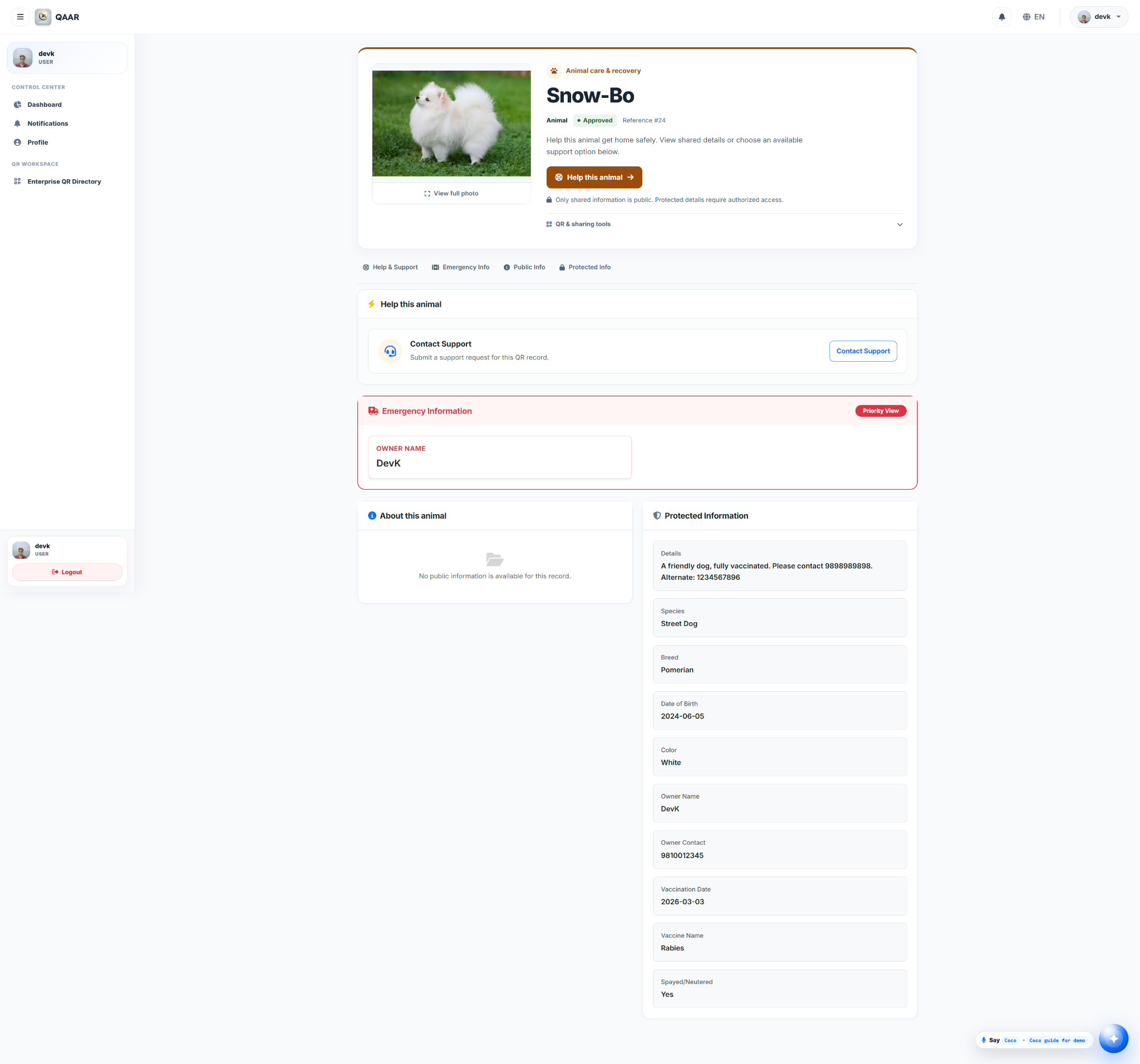
Animal recovery

Public help without exposing private details

QAAR animal recovery protected visitor view QAAR animal recovery authorized owner view
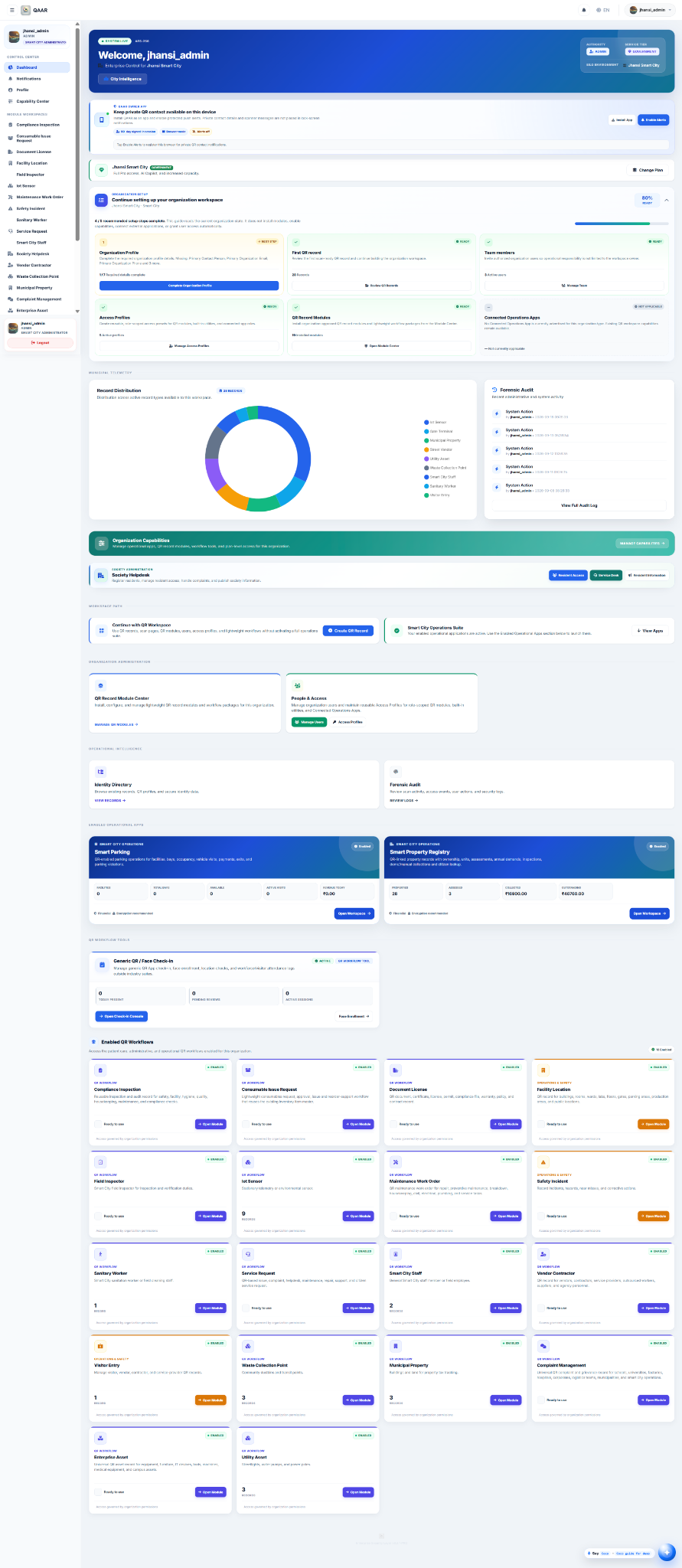
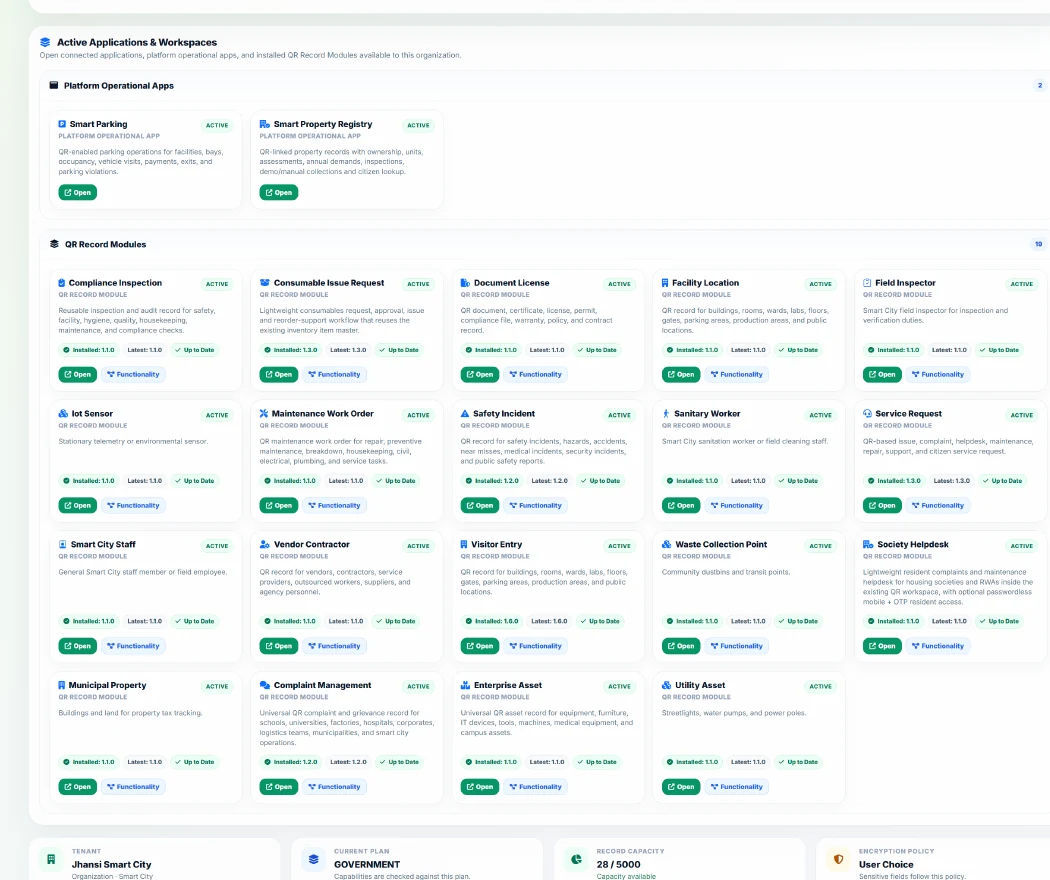
Government & Smart City

One operating layer for property, parking and civic services.

Connect municipal property records, smart parking, sanitation, inspectors, utilities and public infrastructure to multilingual QR workflows, role-based operations and traceable oversight.

Smart PropertySmart ParkingSanitationField InspectorsUtility AssetsCitizen Services
Explore Government & Smart City
Smart City operations workspaceREAL PRODUCT
QAAR Smart City administrator dashboard Smart Parking Smart Property QR Workflows
Encryption before storage

Protect record data before it reaches MariaDB.

QAAR supports application-level encryption for configured record fields. Deployments can enforce encryption globally so those fields are encrypted before database storage and automatically decrypted by the application on authorized reads.

Application-levelEncryption is applied before the record value is written.
Policy controlledSuperadmin policy can force encryption on across configured dynamic fields.
Access remains separatePublic visibility, OTP/passcode rules and role permissions remain independent controls.
Explore the security model
Trust by design

Public when it should be. Protected when it matters.

QAAR separates public-safe information from protected fields and operational actions, while organization context and access profiles control who can do what.

Protected accessPasscode, OTP, approval and policy-driven flows where configured.
Role-scoped workspacesUsers see the modules and actions relevant to their responsibility.
Traceable eventsScans, evidence and workflow actions can contribute to an auditable history.

Security without turning every scan into friction.

Explore protected access, application-level encryption, structured data and traceability.

Security overview
Ready when you are

Build the workflow behind the scan.

Start with a QR workspace for free. Add lightweight managed modules or connected operations only when your use case needs them.