
01
1. Scan the QR
A supported QR opens the correct public record experience or workflow entry point.
QAAR resolves scan context, applies visibility rules, presents the right public experience and then routes the user into the next action.
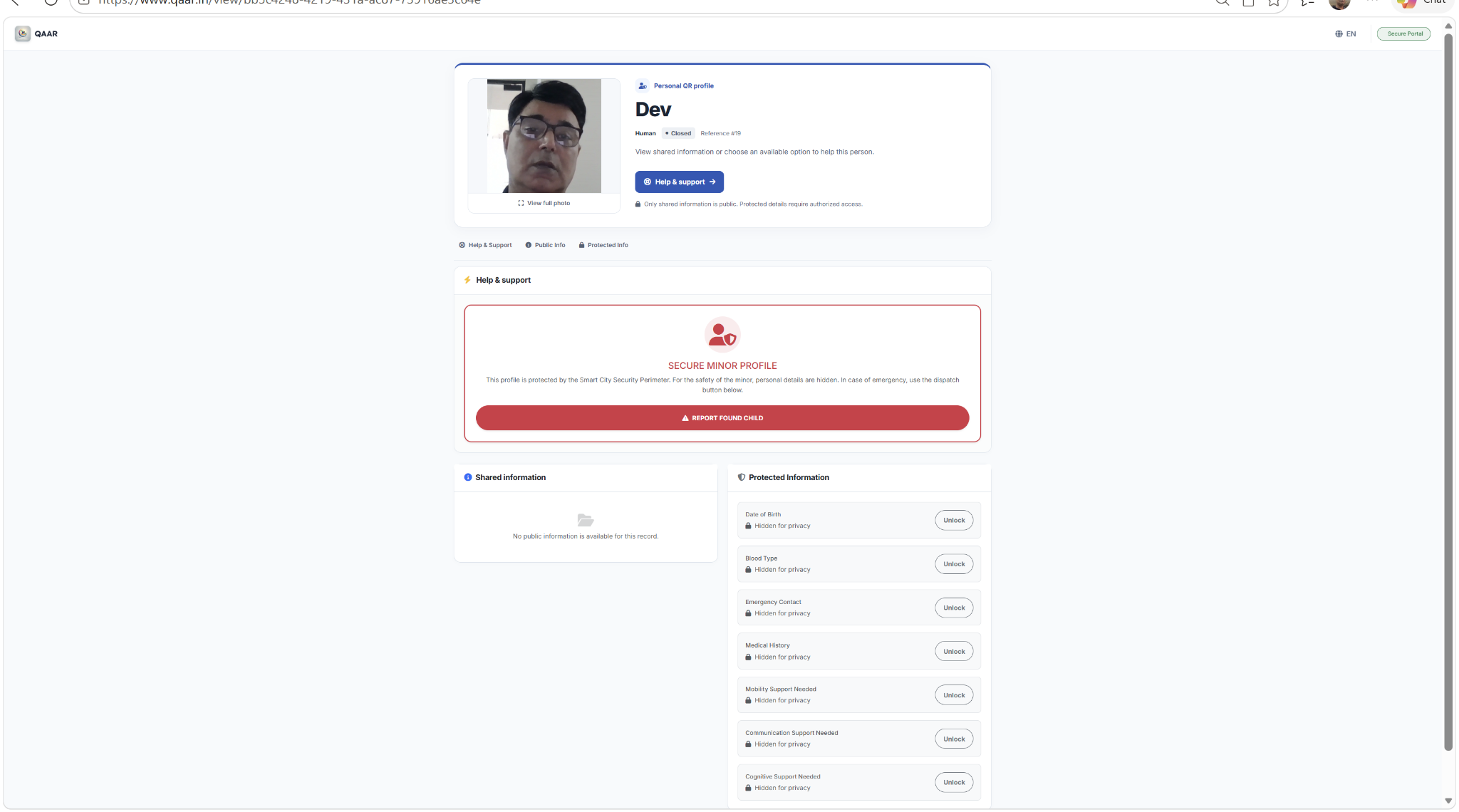
A supported QR opens the correct public record experience or workflow entry point.
Only information configured for immediate public display is shown at first.
The scan can lead to contact relay, assistance, complaint creation, recovery or another configured action.
Sensitive fields can remain behind passcode, OTP, approval or other configured controls.
Support actions, evidence and workflow state changes can contribute to a traceable history.
Where needed, QAAR can hand the user into a lightweight managed workflow or a connected operations application.
Start with a scan-ready record and decide what should be visible, protected or actionable.