
Create the record
Add the useful details and decide what a finder may see.
QAAR PERSONAL RECORDS
Create QR records for personal assets and belongings. A finder gets a useful, privacy-aware next step while the owner remains in control of the record.
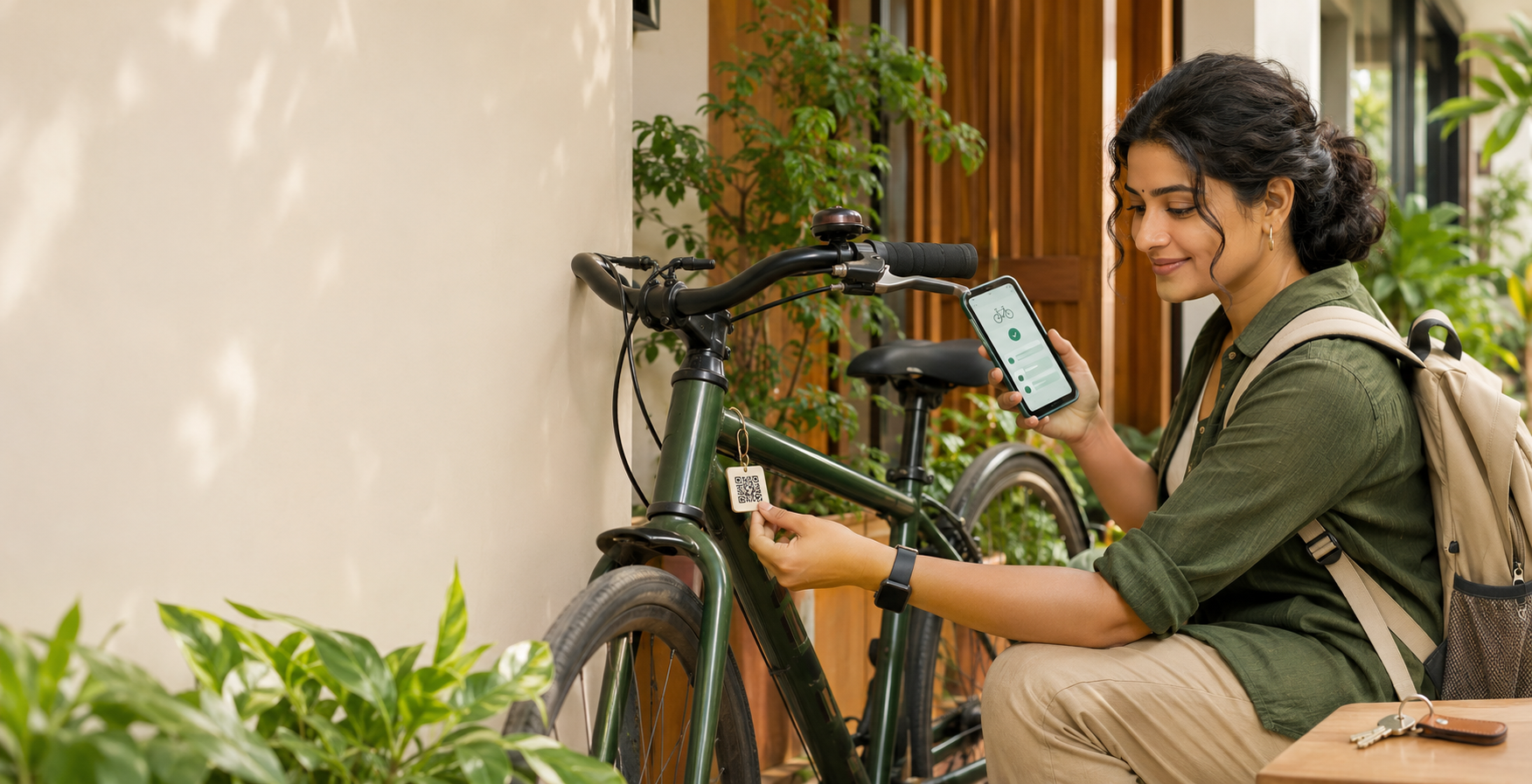
Add the useful details and decide what a finder may see.
Place the QR label on a bicycle, bag, laptop, keys or another personal asset.
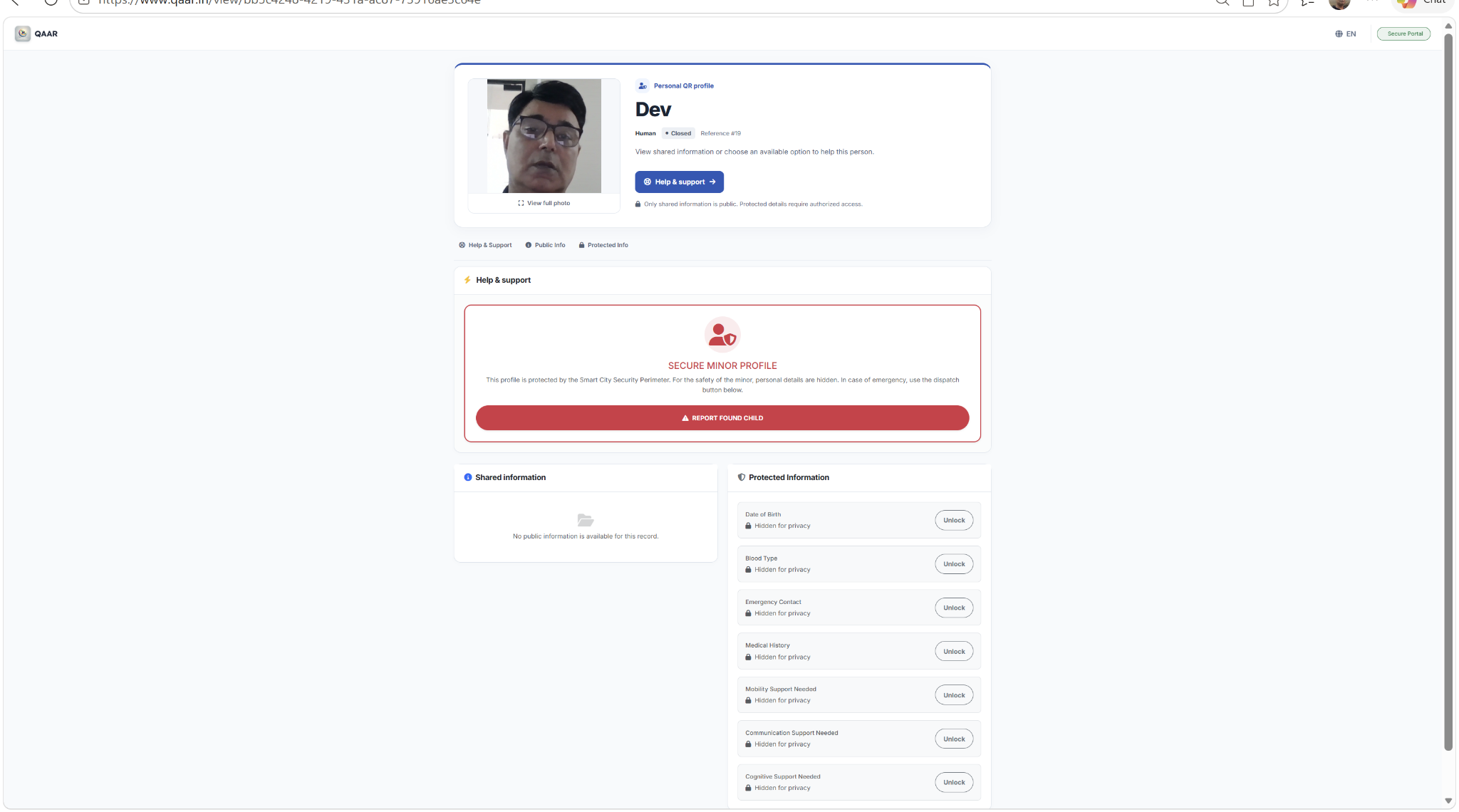
The public-safe view opens without requiring the finder to create an account.
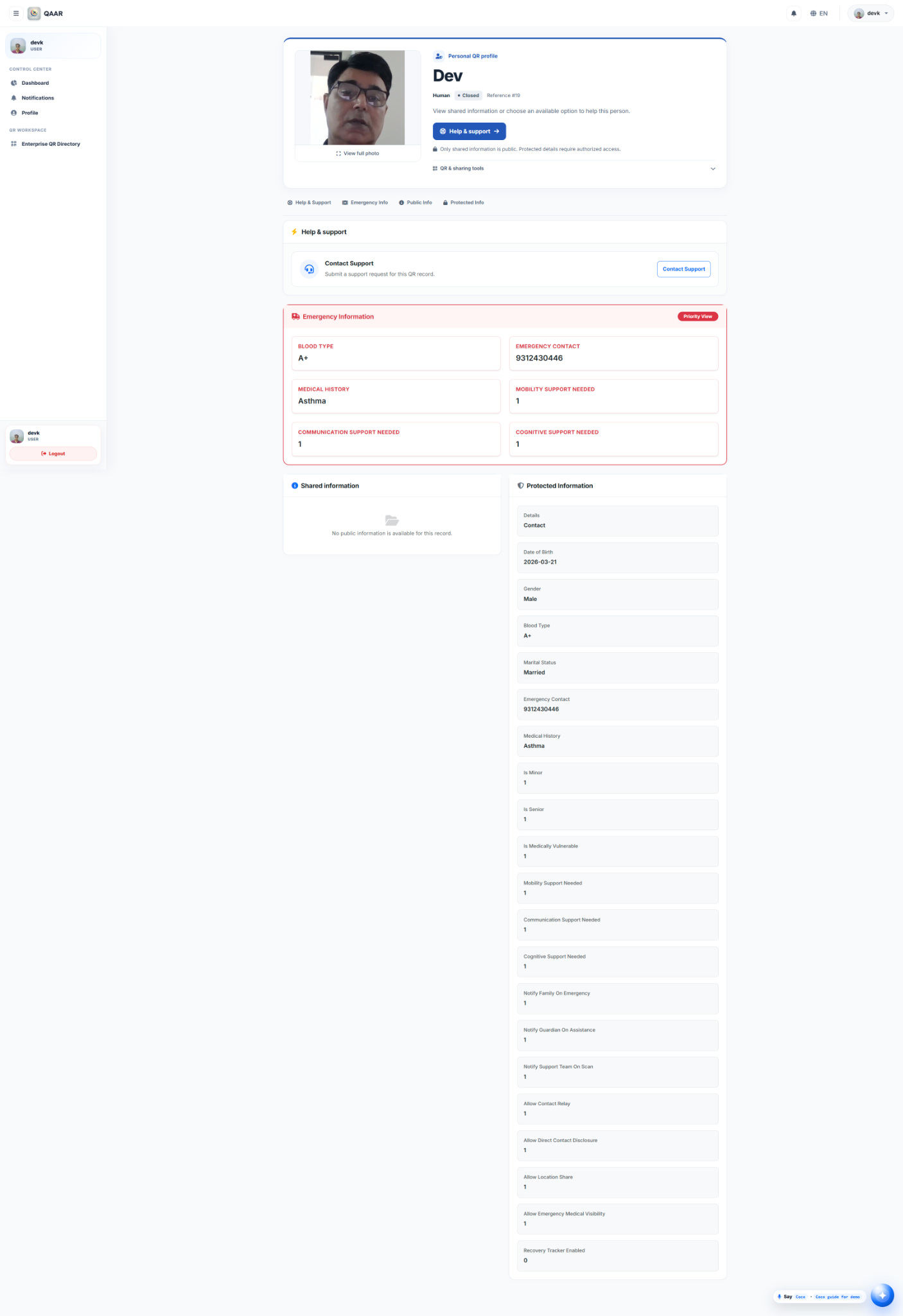
The owner manages status, details and the available recovery path.
PUBLIC-SAFE BY DESIGN
Create owner-controlled QR records for bicycles, bags, laptops, keys, vehicles, documents and other belongings.
Give a finder a useful next step without publishing unnecessary owner information.
Update record details, recovery status and the actions made available when the QR is scanned.
Keep protected details and management controls behind the appropriate authorized access.
Start free, attach the QR and decide what a finder may see or do.