
Different organizations. One lightweight QR platform.
Choose the organization type that matches your environment, then start with scan-ready workflows and install only the capabilities made available for that workspace.
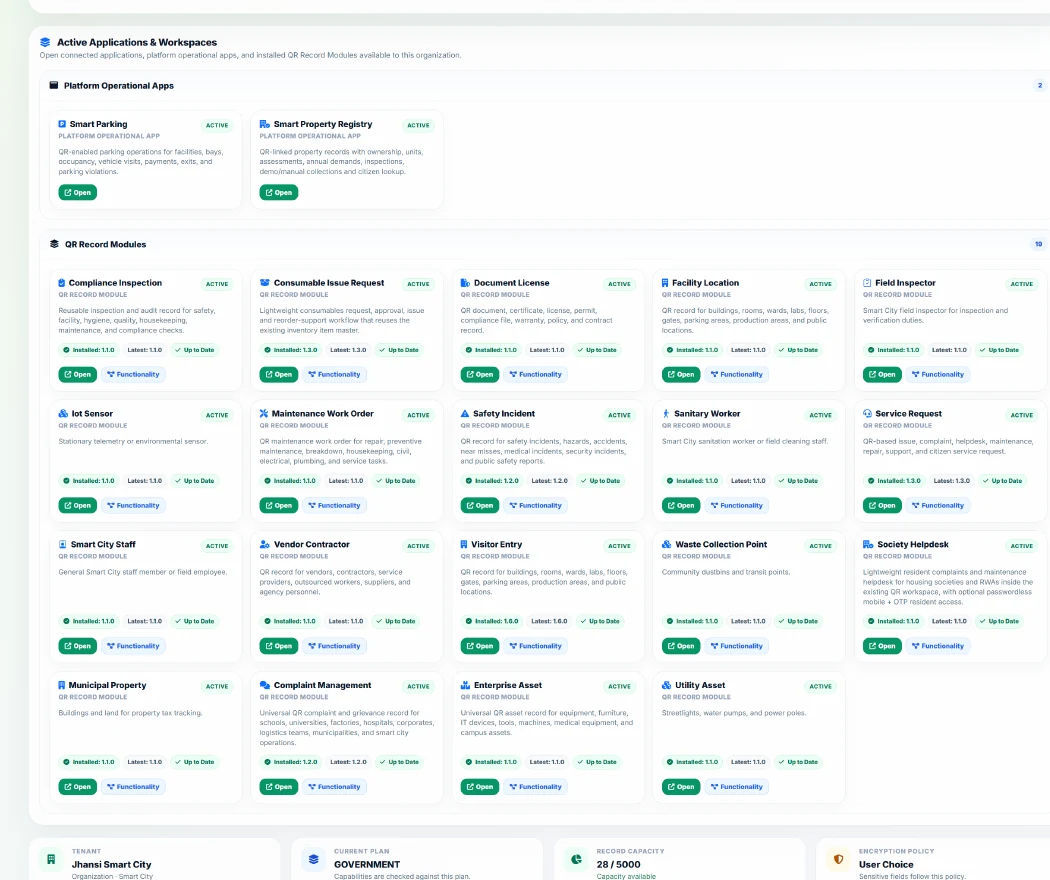
Choose the organization type that looks most like yours.
Every workspace starts lightweight: scan-ready records, protected access and the Managed Modules made available for that organization type and plan.
 Personal
 Personal QR Records
For family safety, pets, vehicles, valuables, documents, and emergency IDs.
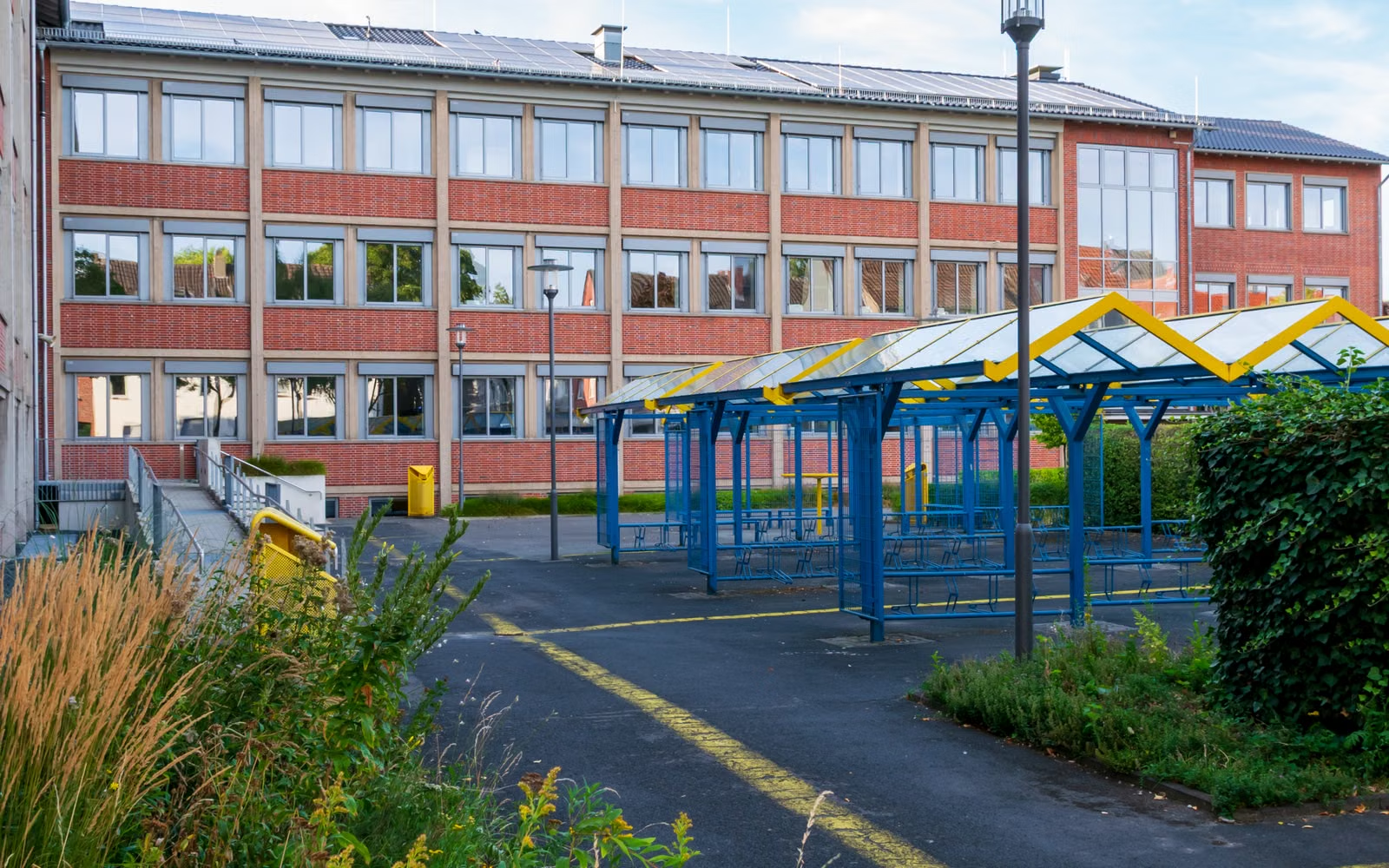 Education
 School QR Workspace
Start with QR records for campus, gates, buses, staff, assets, visitors, and school workflows.
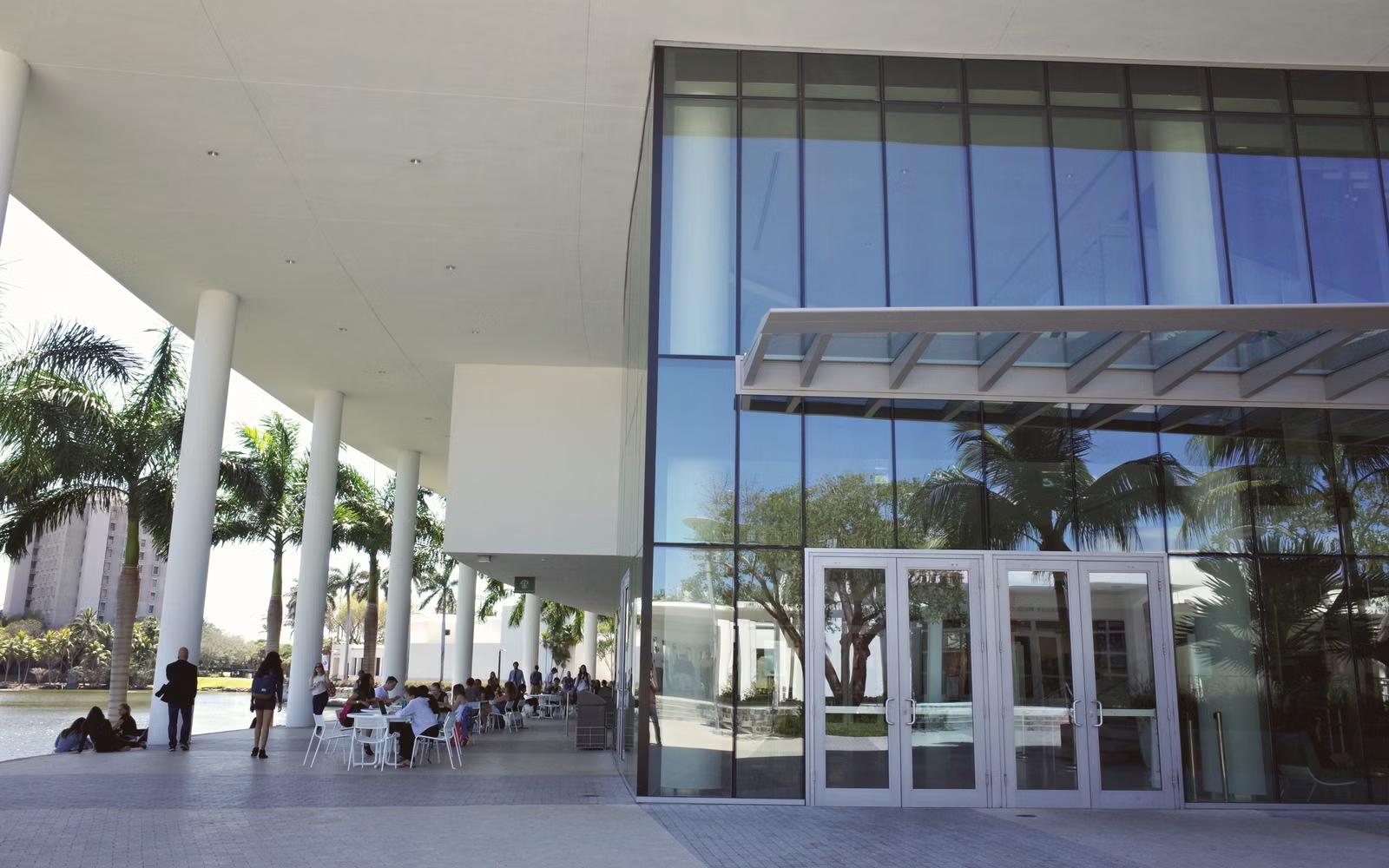 Higher Education
 University QR Workspace
Start with QR records for departments, labs, hostels, staff, faculty, assets, gates, and campus workflows.
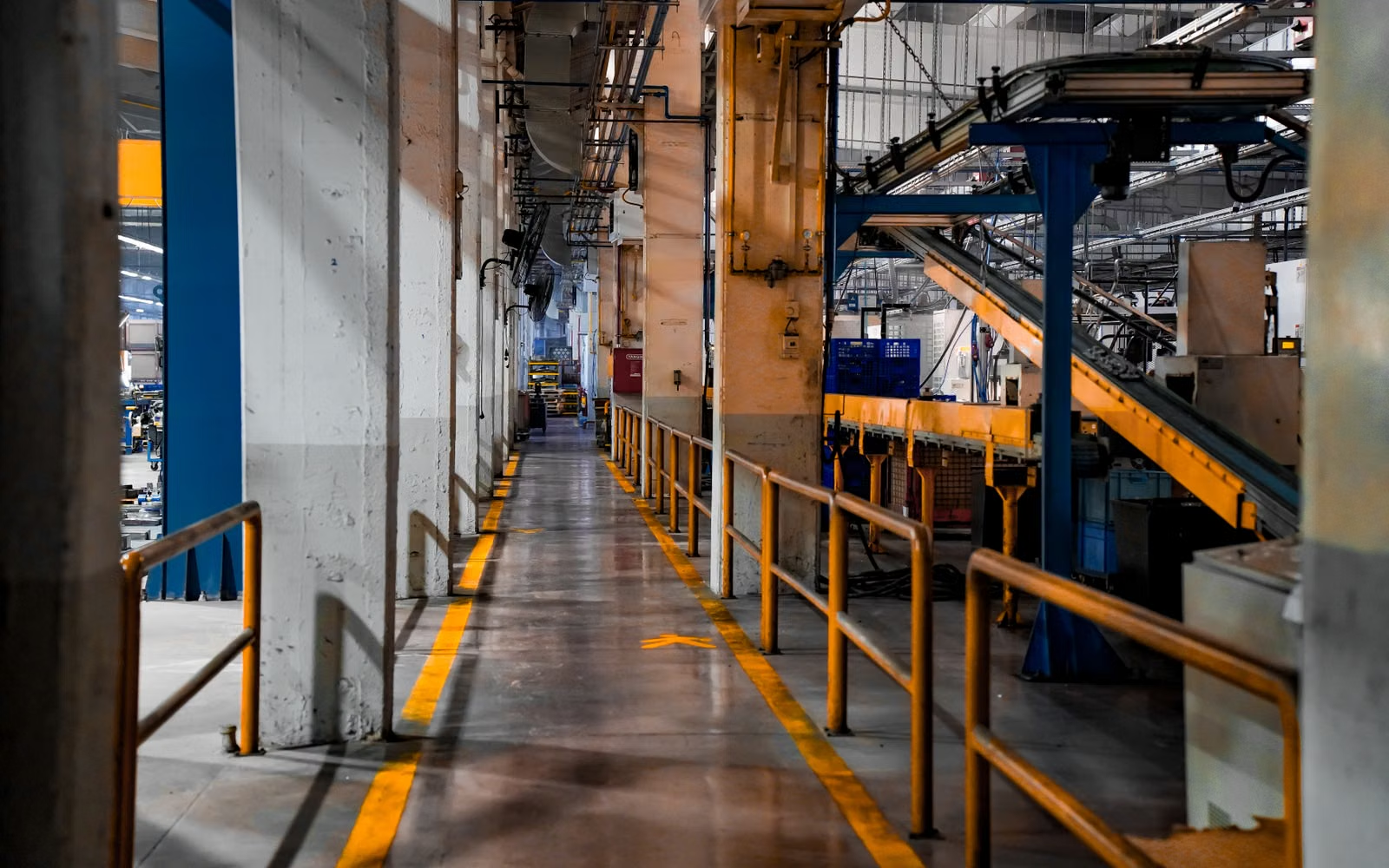 Industrial
 Factory / Industrial QR Workspace
For factories, plants, machinery, inspections, safety, workers, and maintenance.
 Logistics
 Logistics / Fleet QR Workspace
For fleets, warehouses, transport hubs, cargo, drivers, and delivery checkpoints.
 Corporate
 Corporate / Office QR Workspace
For offices, employees, consultants, access zones, IT assets, and compliance logs.
 Healthcare
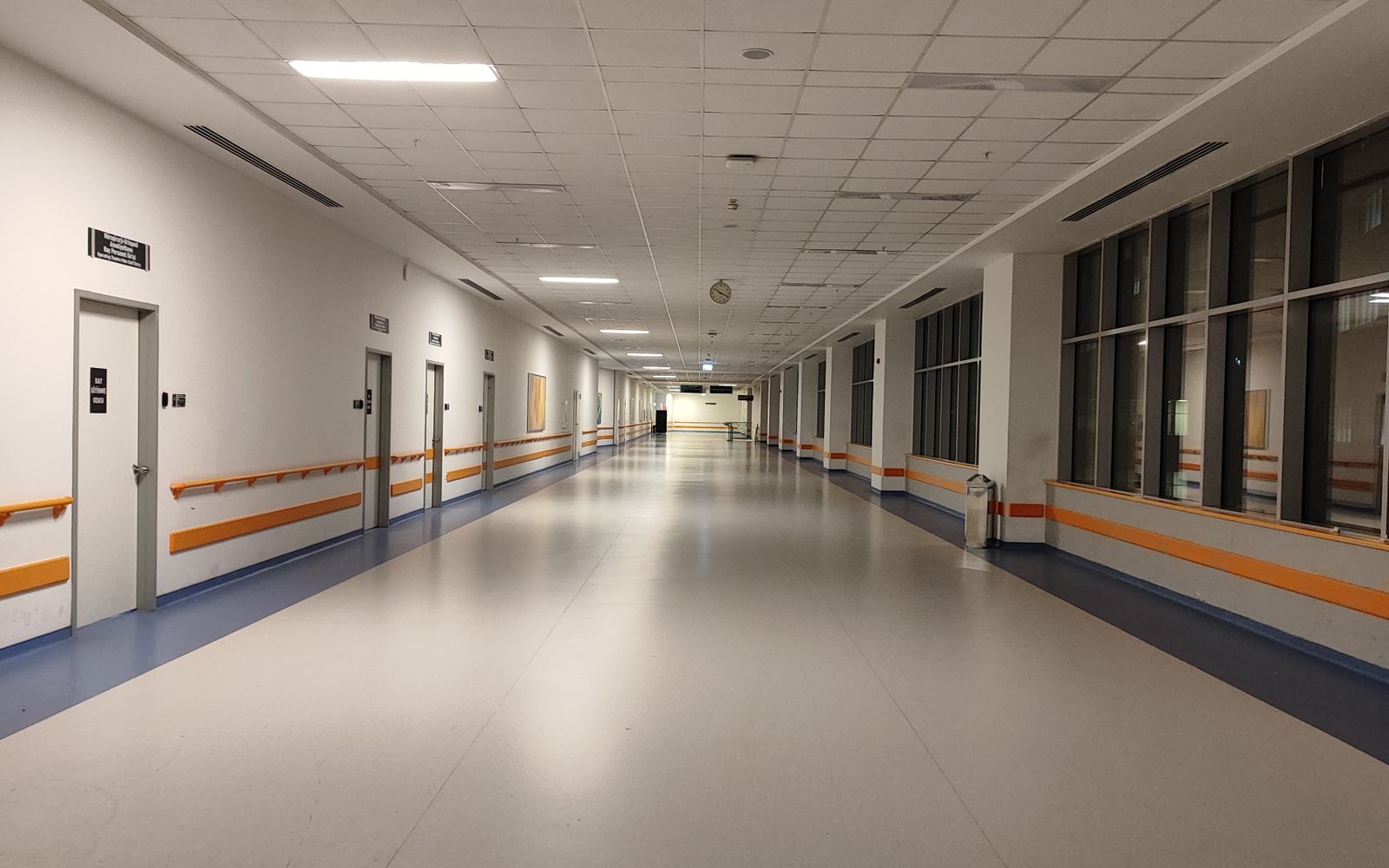
 Hospital / Clinic QR Workspace
For patient identity, appointments, clinician-confirmed instructions, discharge, follow-up, recovery tracking, staff, wards, and clinical support.
 GovTech
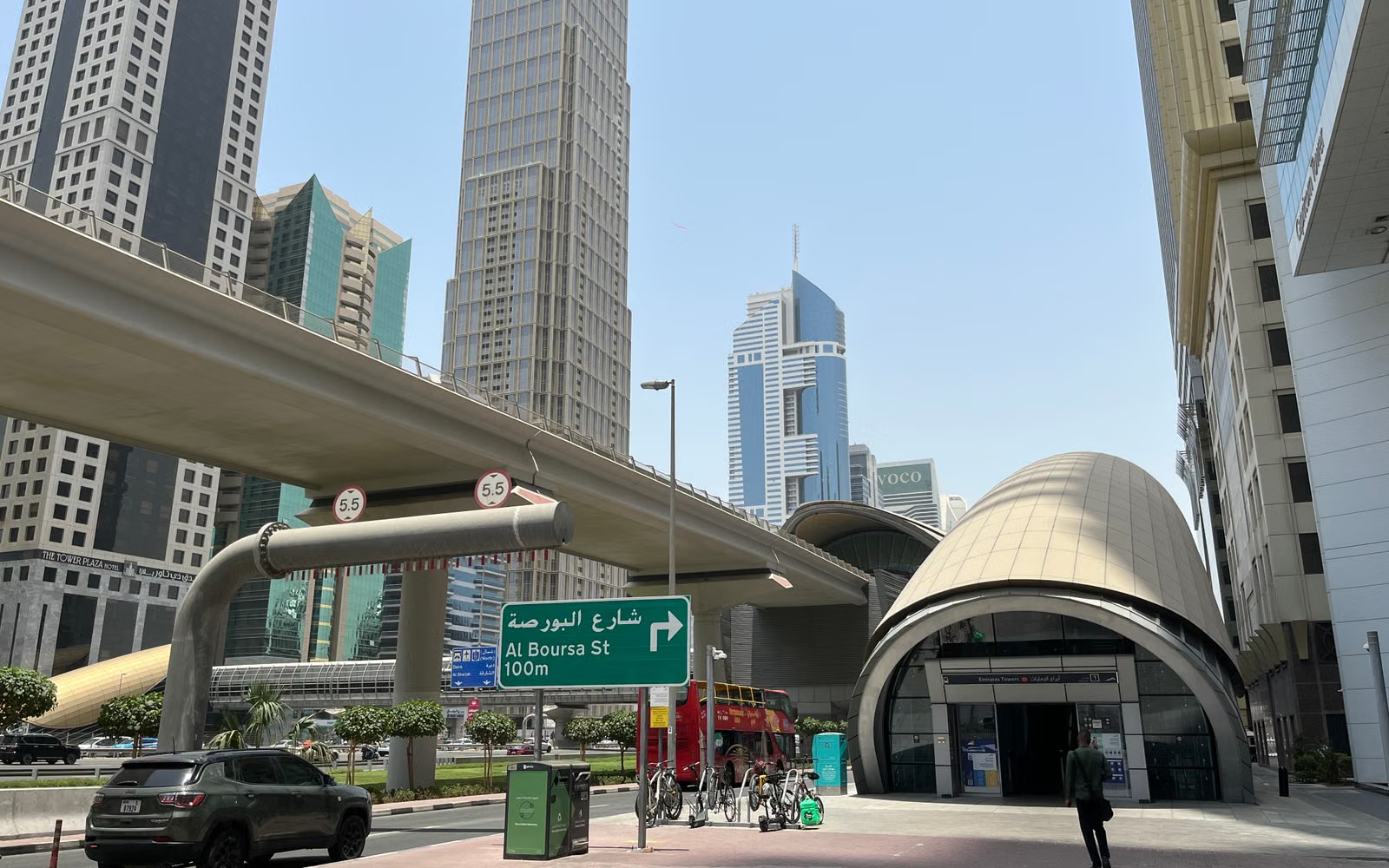
 Smart City / Public Infrastructure QR Workspace
For city assets, parking, utilities, sanitation, vendors, public works, and citizen services.
 Municipal
 Municipal Department QR Workspace
Start with QR records for wards, service counters, public assets, sanitation points, vendor licenses, and civic workflows.
Focused workflows that sit alongside the core organization types.
These solution families use the same lightweight QR platform and capability model without pretending they are separate public-signup organization personas.
 Property & Community
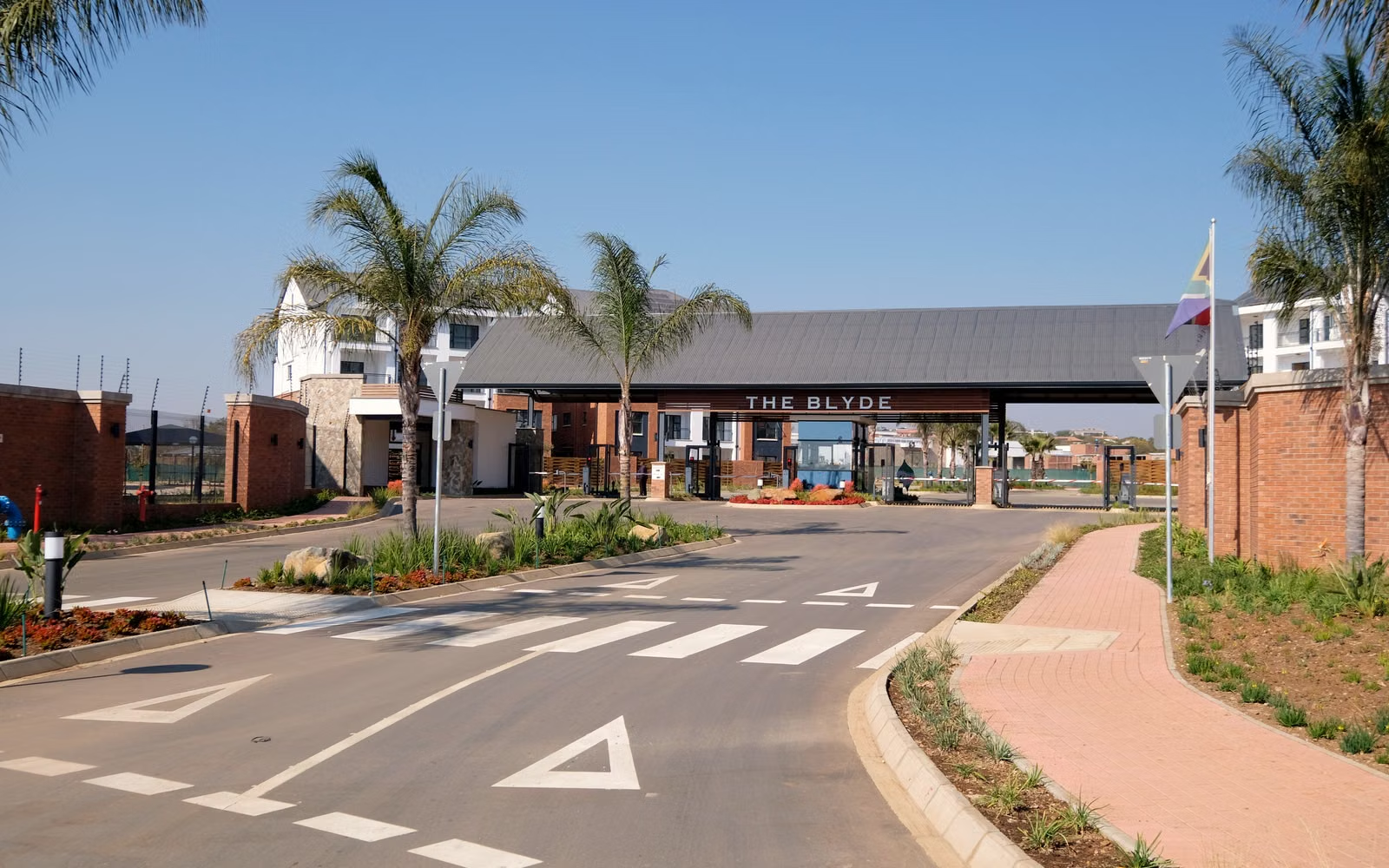
 Housing Society / RWA
Resident complaints, maintenance helpdesk, QR access points, assets, visitors and community workflows.
Service Operations Service Center / After-Sales
QR-linked service intake, assets, appointments, parts, maintenance, documents and customer-support workflows.
Facilities Property & Facility Operations
Buildings, rooms, assets, visitors, service requests, inspections, maintenance and contractor workflows.
Go deeper only where the operation needs a dedicated application.
QAAR stays the lightweight QR and capability layer. Larger operational applications connect separately for workflows such as school operations, mobility, workforce, manufacturing, service-center execution and clinical recovery.